Highcharts®
for Flutter

Add interactive charts to your Dart applications without workarounds or third-party wrappers.

Key Features
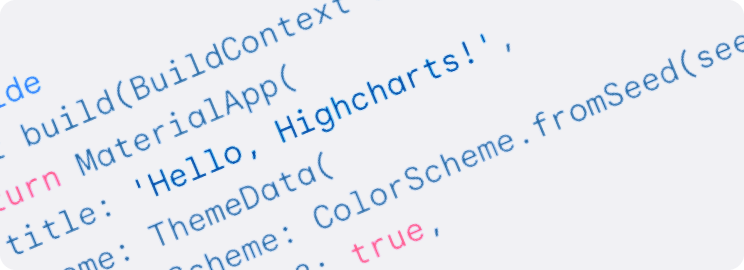

Develop in Dart

With Highcharts for Flutter, you can define and customize your Highcharts configurations directly in Dart without needing to switch to JavaScript. And since Dart is type-safe, it catches potential errors early, helping you work faster and write code that’s more reliable and easier to maintain.

Charts that work across platforms

Just like Flutter, Highcharts for Flutter is designed for cross-platform development. Whether it’s web, iOS or Android, your charts will render consistently across browsers and smartphones without extra configuration. 

Support for all chart types–basic to advanced

Whether you need a simple bar chart or a sophisticated stock chart with interactive zooming, Highcharts for Flutter supports a full range of chart types. You can start with the basics and scale up to more advanced visualizations as your needs change.

Main Features

Highcharts currently supports line, spline, area, areaspline, column, bar, pie, scatter, solid gauge, angular gauges, arearange, areasplinerange, columnrange, bubble, box plot, error bars, funnel, waterfall, polar chart types and much more.

Highcharts simple options-structure allows for deep customization, and styling can be done via JavaScript or CSS. Highcharts is also extendable and pluggable for experts seeking advanced animations and functionality. Check out some advanced cool use cases in our community section, and plugins in our our extensions directory.

Our elegant charts render crisp and clear at any resolution and are easily styled via our simple options-structure or CSS.

Our elegant charts render crisp and clear at any resolution and are easily styled via our simple options-structure using JavaScript or CSS. Highcharts is also extendable and pluggable for experts seeking advanced animations and functionality.

Intelligent responsiveness not only adjusts the chart to the dimensions of its container but also automatically places non-graph elements such as labels, legends, and headings in the most optimal location. Multi-touch gesture support allows for a native experience on mobile and touch screens. Touch gestures include single touch-drag for data inspection, multi-touch for  zooming, and more.

The largest developer community of any premium charting tool on Github, StackOverflow, and other forums is eager to offer additional assistance, platform-specific implementation advice and inspiration when you need it. In addition, we have dozen dedicated support engineers monitoring our forums, StackOverflow, GitHub and support emails.

Join Our Vibrant Community

The most significant developer community of any premium charting tool on GitHubStackOverflow and Highcharts’ Forums, is eager to offer additional assistance, platform-specific implementation advice and inspiration when you need it.

Check out our documentation

Our customers praise our documentation as easy to follow, extensive and well organized. Filled with helpful examples, our API reference will have you customizing your data visualizations in no time and make maintaining them a breeze.


Robustify Highcharts