
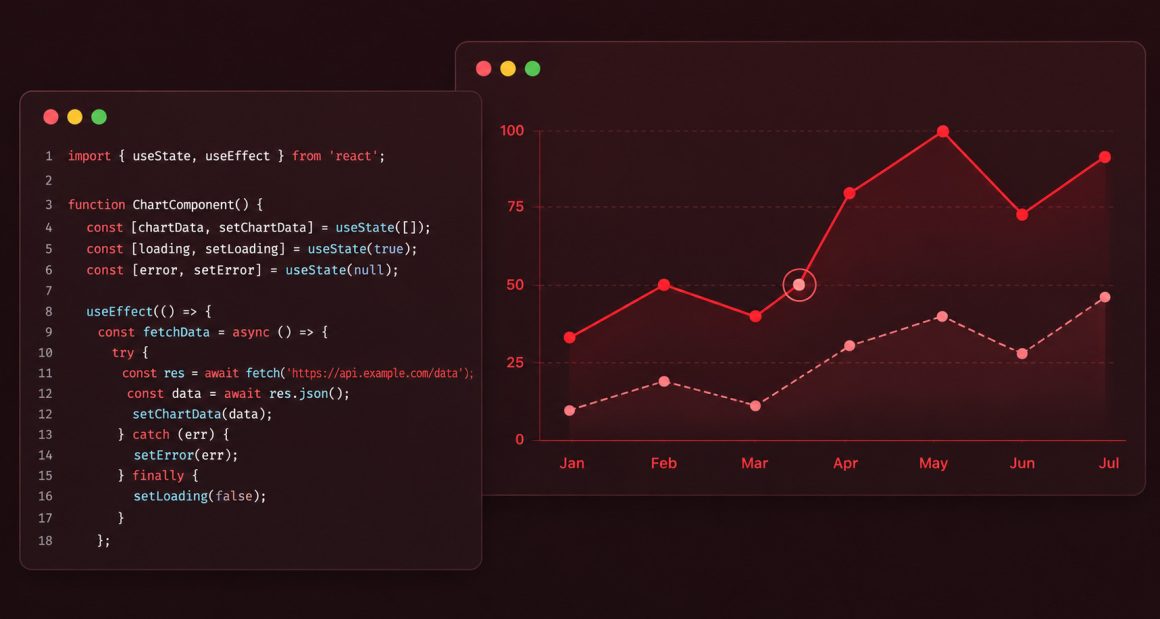
In the previous post (Dynamic Charts in React using useState with @highcharts/react), I used useState to update a chart with hardcoded data. In this post, I go one step further, fetching real data from an API and rendering it in a chart using useEffect.
This is the pattern behind every real dashboard: data arrives after the component loads, the chart waits, then renders.
What you will build
A line chart that fetches USD to EUR exchange rate historical data from a remote API and renders it automatically when the component mounts.
Prerequisites
- Node.js installed (node -v to check)
- Basic knowledge of React
Setting up the project
Create a new React project using Vite:
npm create vite@latest . -- --template react
Install Highcharts:
npm install @highcharts/react
Start the dev server:
npm run dev
Open http://localhost:5173 in your browser.
Your first chart with real data
Open src/App.jsx, delete everything and replace it with:
import { useState, useEffect } from 'react'
import { Chart } from '@highcharts/react'
import { XAxis } from '@highcharts/react'
import { LineSeries } from '@highcharts/react/series/Line'

function App() {
  const [data, setData] = useState([])

  useEffect(() => {
    fetch('https://cdn.jsdelivr.net/gh/highcharts/highcharts@latest/samples/data/usdeur.json')
      .then(response => response.json())
      .then(data => setData(data))
  }, [])

  return (
    <Chart>
      <XAxis type="datetime" />
      <LineSeries data={data} />
    </Chart>
  )
}
export default AppSave the file. You should see a line chart showing USD to EUR exchange rate data.
Adding a loading state
The chart renders an empty state while the data is being fetched. On a fast connection that gap is barely noticeable, but on a slow network or with a large dataset it can leave the user looking at a blank screen.
The fix is a loading state, a simple boolean that controls what the component renders while it waits for the data.Update App.jsx:
import { useState, useEffect } from 'react'
import { Chart } from '@highcharts/react'
import { XAxis } from '@highcharts/react'
import { LineSeries } from '@highcharts/react/series/Line'

function App() {
  const [data, setData] = useState([])
  const [loading, setLoading] = useState(true)

  useEffect(() => {
    fetch('https://cdn.jsdelivr.net/gh/highcharts/highcharts@latest/samples/data/usdeur.json')
      .then(response => response.json())
      .then(data => {
        setData(data)
        setLoading(false)
      })
  }, [])

  if (loading) return <div>Loading chart data...</div>

  return (
    <Chart>
      <XAxis type="datetime" />
      <LineSeries data={data} />
    </Chart>
  )
}
export default AppThe component now shows “Loading chart data…” until the fetch completes, then renders the chart.
What just happened
Three things worth understanding:
1. useEffectruns after the component mounts
useEffect(() => {
  fetch(...)
}, [])The empty array [] at the end means this effect runs once, when the component first appears on the screen. This is the right place to fetch data.
2. useStatemanages two things
const [data, setData] = useState([])
const [loading, setLoading] = useState(true)data holds the chart values. loading controls what the user sees while waiting. Both update when the fetch completes.
3. The chart only renders when data is ready
if (loading) return <div>Loading chart data...</div>This line prevents the chart from rendering with an empty dataset. The user sees a loading message, then the chart appears, clean and predictable.
Why this matters
Most real chart in production follows this pattern. The data does not exist at render time, it arrives from an API, a database, or a WebSocket. useEffect is how you bridge that gap in React.
The loading state is not optional. Without it, your chart renders empty, then jumps to the data, a jarring experience that looks broken even when it is working correctly.In the next post, I will look at rendering large datasets efficiently using the Boost module and useMemo.







Leave a Reply