

We’re excited to announce the release of Highcharts for Svelte, a super-lightweight and fast package that lets you incorporate robust Highcharts data visualizations into your Svelte app or project without compromising performance.
Components for All Highcharts Charting Libraries
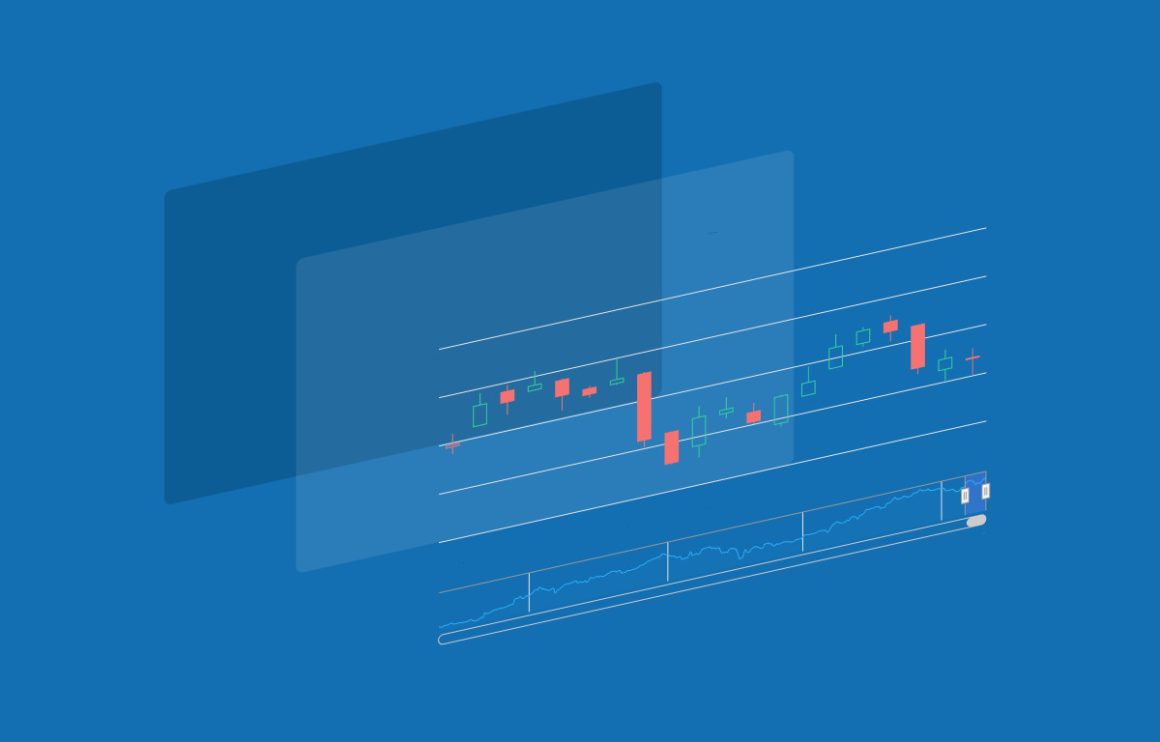
Highcharts for Svelte provides components for everything Highcharts (Core, Stock, Maps, and Gantt) including our full library of charts, hundreds of maps, and sophisticated financial charting capabilities with advanced annotations and 40+ technical indicators.
Simply configure your Highcharts data visualizations as usual and pass the options as props to your desired Highcharts component. Then use Svelte’s minimalist syntax to change properties and behavior inside your Svelte components without the overhead of editing your external Highcharts configurations.
Full API Support
Highcharts for Svelte isn’t a watered-down version of Highcharts. Access all the options and customization capabilities of the full Highcharts API directly in your Svelte components.
From tweaking chart dimensions to adjusting tooltip behaviors, Highcharts for Svelte makes it easy to update the exact options you need to ensure your Highcharts data visualizations meet your project’s visual and functional requirements.
Pre-built TypeScript Definitions
Don’t worry Typescript devs. All Highcharts for Svelte components include out-of-the-box type definitions, so there’s no need to manually define types for your Highcharts configurations.
And since we provide the types, you don’t need to cast any variables either. You can spend more time building and less time fixing errors, increasing your productivity and the reliability of your code.
Conclusion
By combining the powerful capabilities of the Highcharts API with the sleek, minimalistic nature of Svelte, Highcharts for Svelte makes incorporating robust, custom data visualizations into your Svelte projects painless.
Try Highcharts for Svelte today to start visualizing data with Highcharts in your Svelte projects.
Related posts
- Highcharts Dashboards with React
- Highcharts Dashboards with Vue
- Highcharts Dashboards with Angular
- Dashboard examples using Highcharts® Dashboards
- JavaScript dashboards with Highcharts
- Visualizing geospatial data with Highcharts Maps




Leave a Reply