

With the release of angular version 14, standalone components have been introduced, and NgModule became optional; facilitating a new way of building and structuring the codebase.
In this article, we will create a chart and see how to use and integrate angular standalone components along with the official Highcharts Angular wrapper.
Let’s get started 🙂
To create a project with the latest version of Angular, for starters update the angular-cli package with the following commands:
npm uninstall -g @angular/cli
npm install -g @angular/cli@latestFor this project, we are using:
- Angular 14.
- Highcharts V10.1.0.
- Highcharts-Angular.
The project is set up using an Angular application environment and workspace with the following settings:
- Node: 14.17.0
- npm 8.3.1
- Angular CLI: 14.0.2.
Set up an Angular project with Highcharts
- 1.
If you are unfamiliar with this type of environment, the official Angular documentation describes how to set up a local environment workspace, and more about the standalone component.
- 2.
To install
highcharts-angularand the Highcharts library run the following instruction:npm install highcharts-angular --save. - 3.
To import the package go to
app.module.tsfile and import the moduleHighchartsChartModulefrom thehighcharts-angularpackage. - 4.
To build Highcharts charts, install Highcharts:
npm install highcharts --save. - 5.
We are declaring
app.compoent.tsas a standalone component and importing theHighchartsChartModuleinside imports array instead of NgModule (optional). Application level dependencies such as routes, dependency injection configure in the main.ts and component level inapp.component.tsor any other component.
@Component({
  selector: 'my-app',
  templateUrl: './app.component.html',
  styleUrls: ['./app.component.css'],
  standalone: true,
  imports: [HighchartsChartModule],
})6. Bootstrap the app from main.ts.
import "./polyfills";
import { bootstrapApplication } from "@angular/platform-browser";
import { AppComponent } from "./app/app.component";
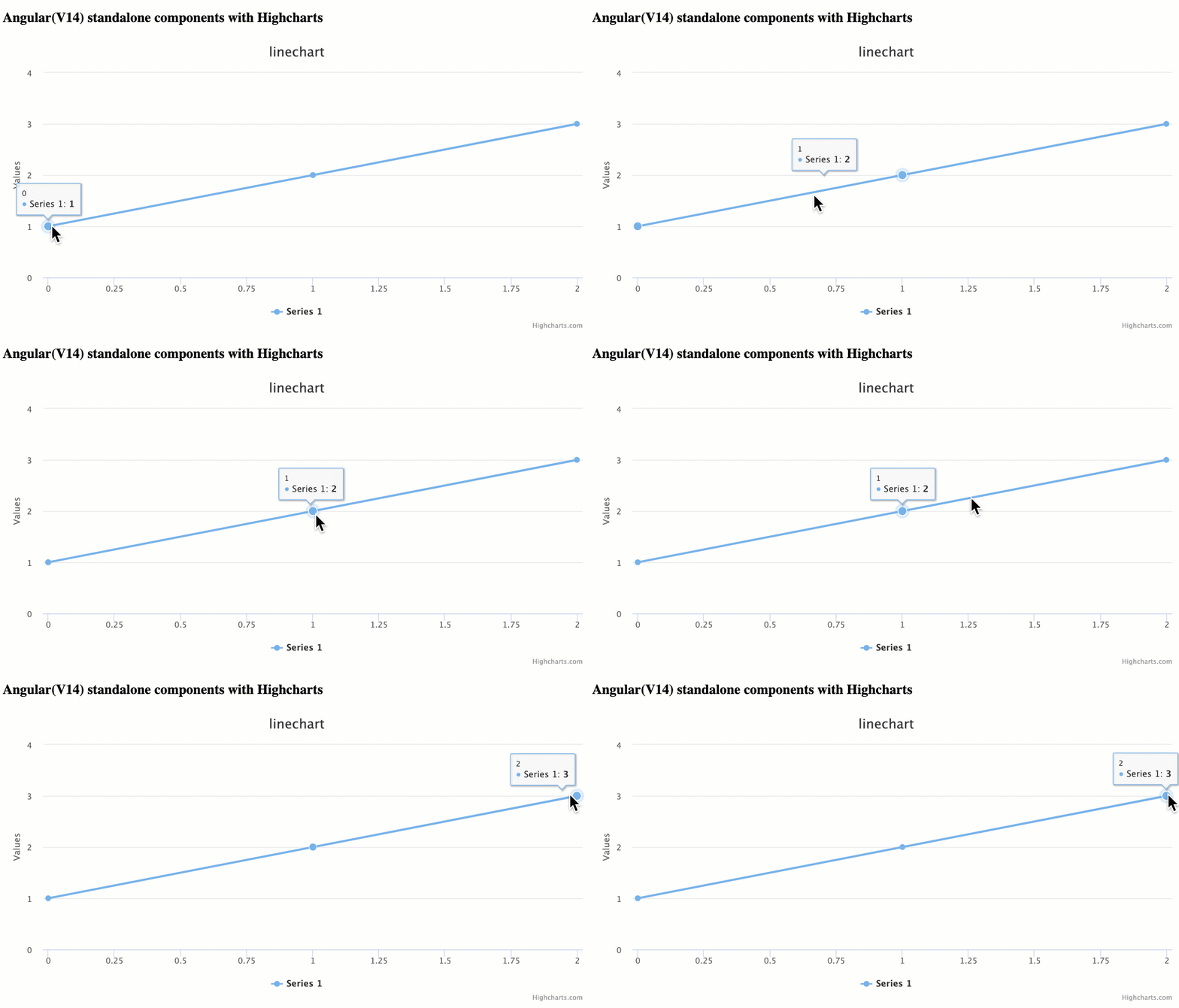
bootstrapApplication(AppComponent);7. Click on this Stackblitz project to find the complete working example with code. Here is the final result:
Feel free to share your thoughts and questions in the comments below.




Leave a Reply