
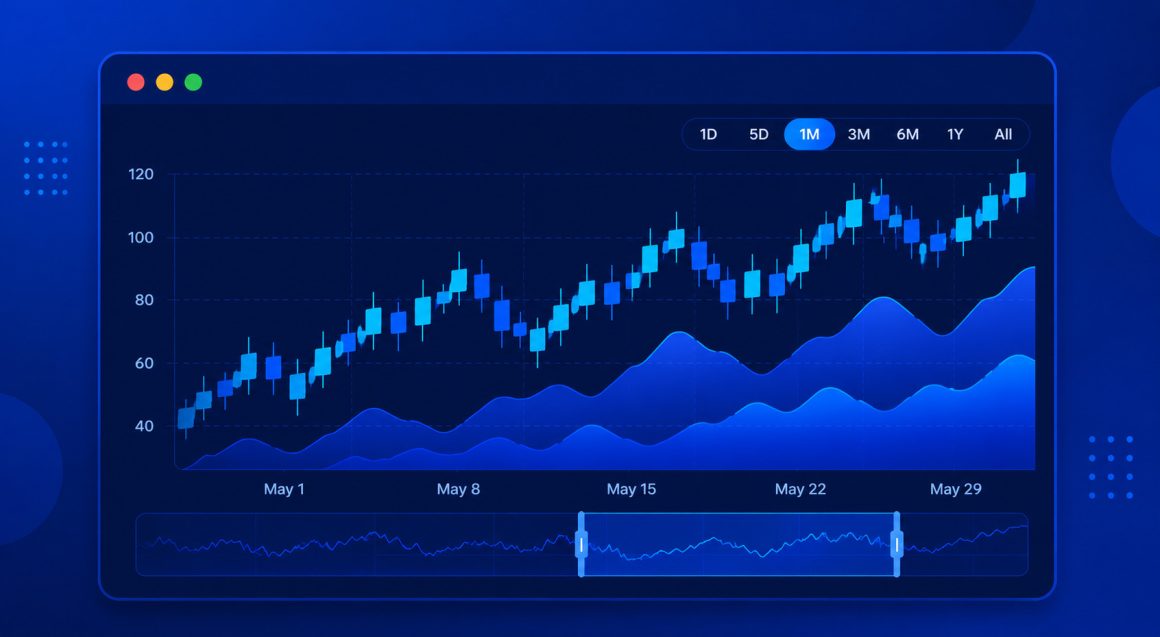
Building a react stock chart in Next.js is not the same as rendering a simple line chart in a client-only React app.
Next.js App Router enables Server Components by default. Stock charts, however, depend on browser APIs like window and document. If you render them on the server, you will hit errors such as:
- ReferenceError: window is not defined
- Hydration mismatches
In this guide, I will build a clean, SSR-safe stock chart in Next.js App Router using Highcharts Stock suitable for serious production React teams.
Why charts break in Next.js (SSR in 60 Seconds)
Next.js App Router renders components on the server unless explicitly marked as client components.
Server environments do not have access to:
- window
- document
- Layout measurement APIs
Highcharts relies on these browser APIs to render SVG elements and calculate chart layout. Therefore, stock charts must be rendered only on the client in Next.js, and the correct solution is simple: isolate the chart inside a Client Component using 'use client'.
The correct client-only pattern
In Next.js App Router:
- page.tsx is a Server Component by default.
- Chart components must live inside a Client Component.
Create a dedicated client component:
'use client'The correct client-only pattern
In Next.js App Router:
- page.tsx is a Server Component by default.
- Chart components must live inside a client component.
Create a dedicated client component, then render Highcharts inside it. This ensures:
- No SSR crashes
- No hydration errors
- Clean separation of server and client logic
React Stock Chart in Next.js
Now, let’s take a look at a complete, production-safe example using Highcharts Stock with:
- Percent comparison
- Navigator panel
- Range selector
- Multiple series (MSFT, AAPL, GOOG)
Feel free to check:
Link to the live demo (React Stock Chart in Next.js (App Router) Using Highcharts Stock)
Link to CodeSandBox (React Stock Chart in Next.js (App Router) Using Highcharts Stock)
You can also take a look at the code right here 🙂
'use client';
import React, { useEffect, useMemo, useState } from 'react';
import type Highcharts from 'highcharts';
import { StockChart } from '@highcharts/react/Stock';
import { LineSeries } from '@highcharts/react/series/Line';
import { Title } from '@highcharts/react/options';
import { Accessibility } from '@highcharts/react/options/Accessibility';
type SeriesLike = {
  name: string;
  data: [number, number][];
};
const NAMES = ['MSFT', 'AAPL', 'GOOG'] as const;
export default function StockCompareChart() {
  const [series, setSeries] = useState(null);
  useEffect(() => {
    (async () => {
      const results: SeriesLike[] = [];
      for (const name of NAMES) {
        const response = await fetch(
          `https://cdn.jsdelivr.net/gh/highcharts/highcharts@f0e61a1/samples/data/${name.toLowerCase()}-c.json`
        );
        const data = await response.json();
        results.push({ name, data });
      }
      setSeries(results);
    })();
  }, []);
  const options = useMemo(() => ({
    rangeSelector: { selected: 4 },
    yAxis: {
      labels: {
        format: '{#if (gt value 0)}+{/if}{value}%'
      }
    },
    plotOptions: {
      series: {
        compare: 'percent',
        showInNavigator: true,
        turboThreshold: 0
      }
    }
  }), []);
if (!series) return <div>Loading stock data...</div>;
return (
  <StockChart options={options}>
    <Title>MSFT vs AAPL vs GOOG (Percent Comparison)</Title>
    <Accessibility enabled />
    {series.map((s) => (
      <LineSeries key={s.name} name={s.name} data={s.data} />
    ))}
  </StockChart>
);
}
This example:
- Avoids SSR execution
- Loads data client-side
- Uses built-in percent comparison
- Enables the navigator panel
- Handles larger datasets via
turboThreshold: 0
A quick performance note
Highcharts Stock is designed for time-series and financial data. so to ensure consistent rendering behavior even with large datasets use:
turboThreshold: 0
When to use Highcharts Stock in Next.js
I want you to understand that many React chart libraries work well for simple dashboards. But, serious financial or analytics applications often require:
- Built-in range selectors
- Percent comparison between assets
- Navigator panels
- Smooth handling of historical time-series data
Highcharts Stock provides these capabilities out of the box, while remaining compatible with modern Next.js App Router patterns.
With a clear client boundary, it integrates cleanly into production-grade React applications.
In the second part I will show you how to improve performance and enhance UX.







Leave a Reply