
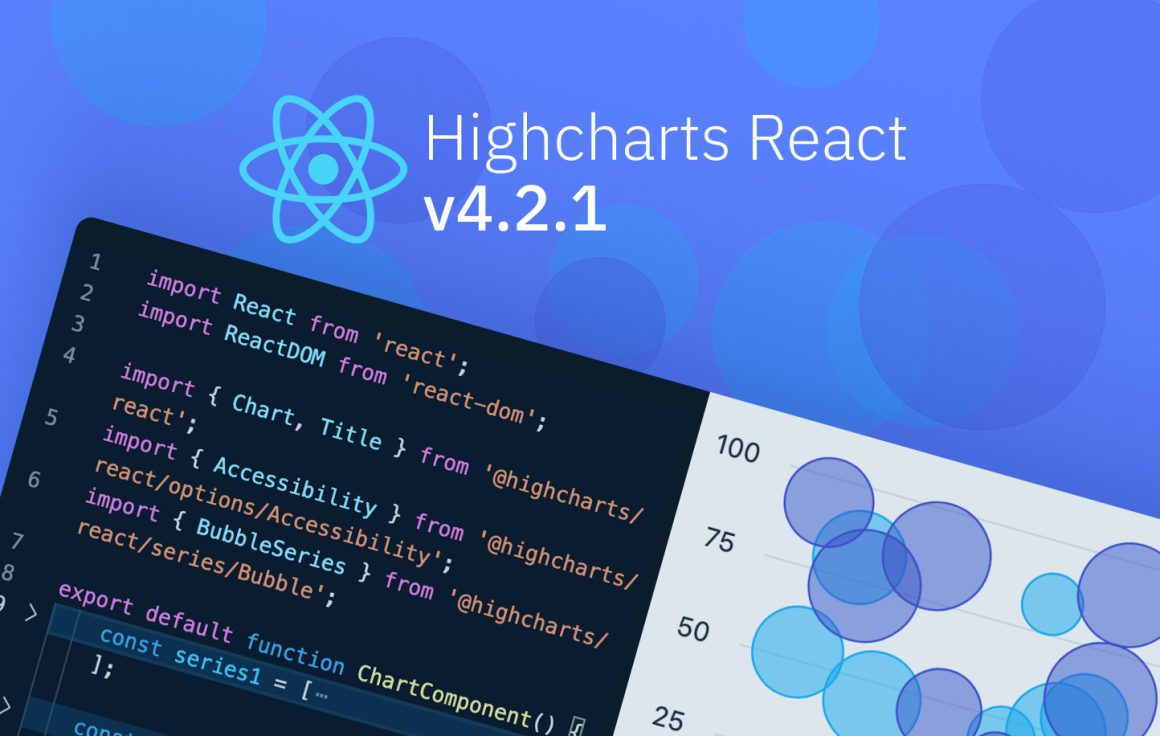
We’re excited to announce the release of Highcharts React v4.2.1.
This update brings bug fixes, new features, and a major overhaul of our component documentation. More importantly, it reflects our ongoing effort to make working with Highcharts in React feel natural to React developers.
If you’ve been waiting to try the new integration, this is a good time. Let’s explore what’s new.
Improved Migration Guide from v3
We’ve updated the migration guide to make the upgrade path clearer and easier to follow.
The steps are well documented with “before” and “after” syntax examples, and we’ve added helpful code snippets for configuration, advanced features and server-side rendering.
Data Mutation Disabled by Default
We’ve disabled data mutation by default (allowMutatingData: false). This means Highcharts treats your data as immutable and keeps your original state untouched.
The result is more predictable behavior and better alignment with how React developers expect state to work.
If you’re working with very large datasets and need to prioritize performance, you can still enable mutation by setting allowMutatingData to true.
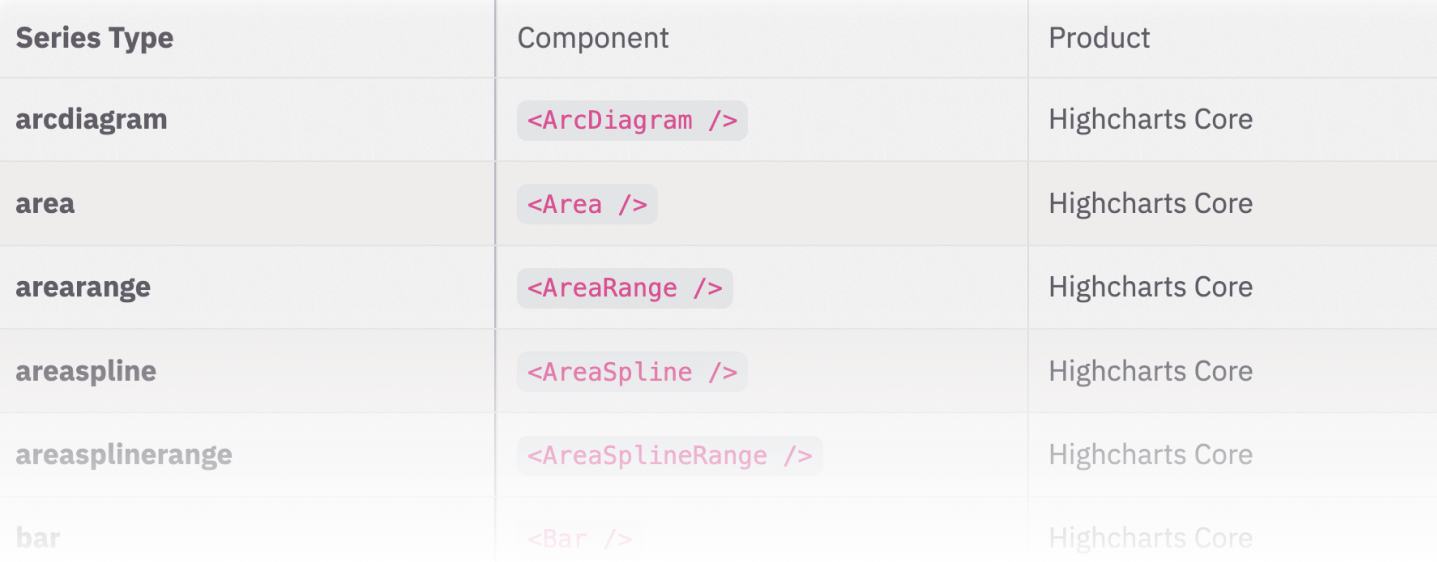
New Drilldown Component
Drilldown now has its own dedicated component. Just import it and apply any supported drill down API options as props.
This update was driven by a community request, and it brings drilldown configuration into a clearer, more structured React pattern.
Additional Improvements
Improved Typescript support for Series
We improved TypeScript support for the Series component by narrowing the options prop to match the selected series type.
Previously, options was broadly typed, which meant you could pass properties that didn’t actually belong to that series.
Now, if you declare <Series type="line" />, the options prop only accepts valid line series options. The result is better autocomplete, earlier error detection, and fewer surprises.
Updated Rendering Strategy
We updated how we render React elements to HTML inside the integration.
Previously, we relied on renderToStaticMarkup from react-dom/server, which can drag server-side React code into client bundles. This is not ideal when you’re building a client-only app and need to keep bundle size in check.
Based on community feedback, we replaced that approach with a browser-friendly renderer that renders into a temporary DOM node and reads back the resulting HTML.
The outcome is the same (Highcharts still gets the HTML string it needs), but the dependency chain is cleaner and more predictable for modern React builds.
Better Docs
We’ve significantly improved the component docs, but we’re not stopping there.
Improving the overall structure of our docs is a priority, along with adding more React-focused code examples to help you get up and running faster.
We’re Actively Looking for Feedback
This is an important phase for the Highcharts React integration, and we would love your feedback.
If you’re building charts in React, tell us:
- What feels good?
- What feels awkward?
- What’s missing?
- What would make this your default charting setup?
Open a GitHub issue, or hit us up on Discord and start a discussion. Now is the time to influence where this goes next.
What’s Next?
In the coming months, you can expect:
- More React-focused code samples
- Continued documentation restructuring
- Smaller feature improvements based on community input
- Ongoing refinement of the developer experience
If you haven’t tried the new Highcharts React integration yet, install the latest version and give it a spin.




Leave a Reply