Share this

Scrollbars for any axis

News Avatar

by

1 minutes read

Most popular ideas by April 2916 showed with bar chart

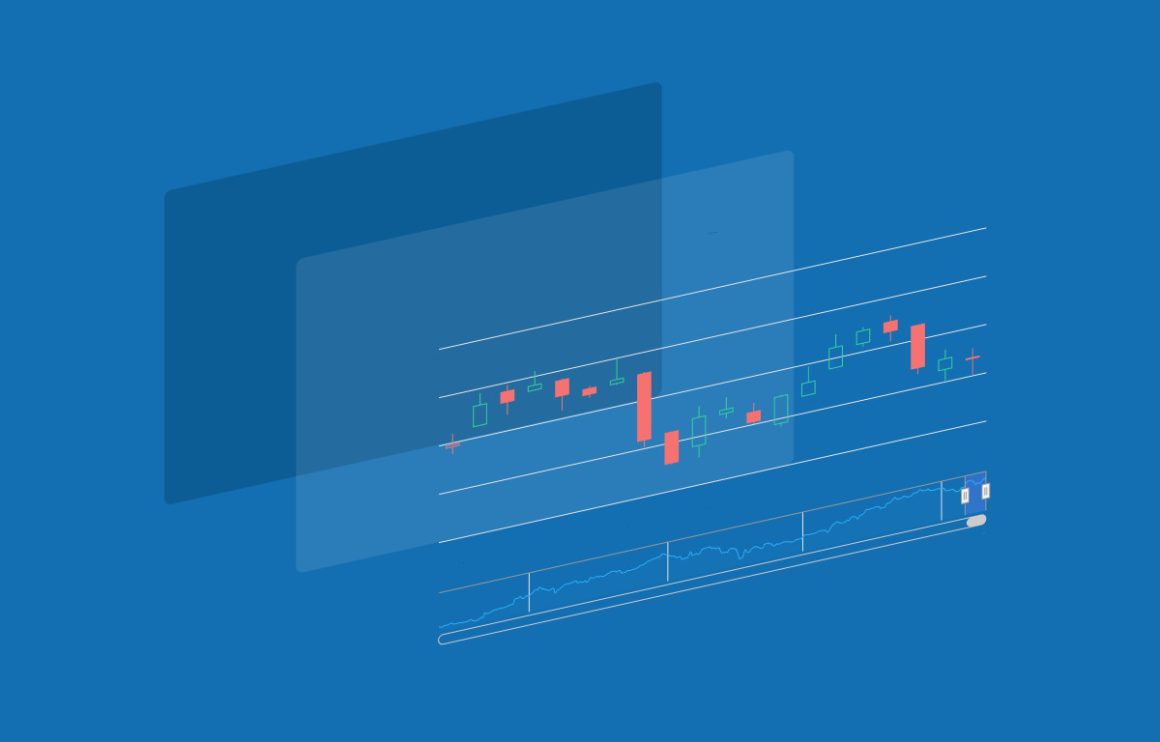
Upon popular request, we have implemented support for scrollbars on any axis in Highstock 4.2.6. We pulled out the scrollbar logic from the Highstock navigator, making it modular and reusable for datetime, numeric, logarithic and category axes, whether vertical or horizontal.

The full documentation and available options can be seen in our API docs for Highstock.

But the scrollbars are not limited to stock charts or Y axis. Using the highstock.js file, it can be applied to regular Highcharts axes too. See examples of:

Stay in touch

No spam, just good stuff

We're on discord. Join us for challenges, fun and whatever else we can think of
XSo MeXSo Me Dark
Linkedin So MeLinkedin So Me Dark
Facebook So MeFacebook So Me Dark
Github So MeGithub So Me Dark
Youtube So MeYoutube So Me Dark
Instagram So MeInstagram So Me Dark
Stackoverflow So MeStackoverflow So Me Dark
Discord So MeDiscord So Me Dark

Comments

  1. food images

    |

    But the scrollbars are not limited to stock charts or Y axis. Using the highstock.js file, it can be applied to regular Highcharts axes too. See examples of:


  2. motivation

    |

    But the scrollbars are not limited to stock charts or Y axis. Using the highstock.js file, it can be applied to regular Highcharts axes too. See examples of:


  3. LUIS ROBERTO Nogueira

    |

    Nice


  4. Rafał Pasek

    |

    This feature seem to require highstock.js. Does it mean that in order to use that a highstock license is needed? or is it enough to have a highcharts license?


    1. Chris V

      |

      Hi,

      yes, this feature is only part of highstock, and as such a highstock license is required.

      Best,
      Chris


  5. Soliman

    |

    Can we use the mouse wheel to achieve the same goal (scrolling)?


    1. Jon Arild (Highsoft)

      |

      Hi Soliman.

      Yes, this is possible by adding some customization. Here is a demo made by our partner Black Label: https://jsfiddle.net/wpyg45e4/

      Best regards
      Jon


      1. Soliman

        |

        Thanks Jon,
        It is working perfectly.
        Best regards.
        Soliman


      2. Soliman

        |

        One more question about the sample, are the same can work with touch screen? Pan/drag/slide?
        Any suggestions?
        Thanks.


        1. Jon Arild (Highsoft)

          |

          Hi Soliman,

          Sorry for the late reply.

          Here is an example which is extended with dragging functionality: https://jsfiddle.net/wpyg45e4/1/
          It could probably benefit with some cleaning up, and various improvements, but it should be enough to get you started.

          I would also like to advice you to post technical questions in our forum (forum.highcharts.com) in the future, where you will benefit from a much quicker response rate.

          Best regards
          Jon


  6. ▽ tomtoms

    |

    I have some problem when I use 3d and enable datalabels.
    Some data appear at the top-left-corner. Any Suggestion?
    Thanks.
    http://jsfiddle.net/5cxEu/31/


    1. Chris V

      |

      Hi,

      this definitely looks like a bug.

      Could you please submit an issue on the Highcarts issue tracker (https://github.com/highcharts/highcharts/issues)?

      Thanks,
      Chris


  7. ManiRatnam

    |

    Does the Gantt Chart have scroll functionality?


  8. Ahmed

    |

    Hi,
    how can I make the Meteogramm scrollable ?


  9. sisaki

    |

    can we move scroll bar to left side of chart to make it inline for RTL language scenarios Please help here


    1. Mustapha Mekhatria

      |

      Hi,
      Here is an example: https://codepen.io/fsh/pen/ZEKOQjV


    2. Mustapha Mekhatria

      |


Leave a Reply

Your email address will not be published. Required fields are marked *

This site uses Akismet to reduce spam. Learn how your comment data is processed.