
In the previous post, I fetched real data from an API using useEffect. In this post, I tackle a different challenge, rendering large datasets without freezing the browser.
This is the pattern behind financial dashboards, sensor data feeds, and any application that works with tens of thousands of data points.
What you will build
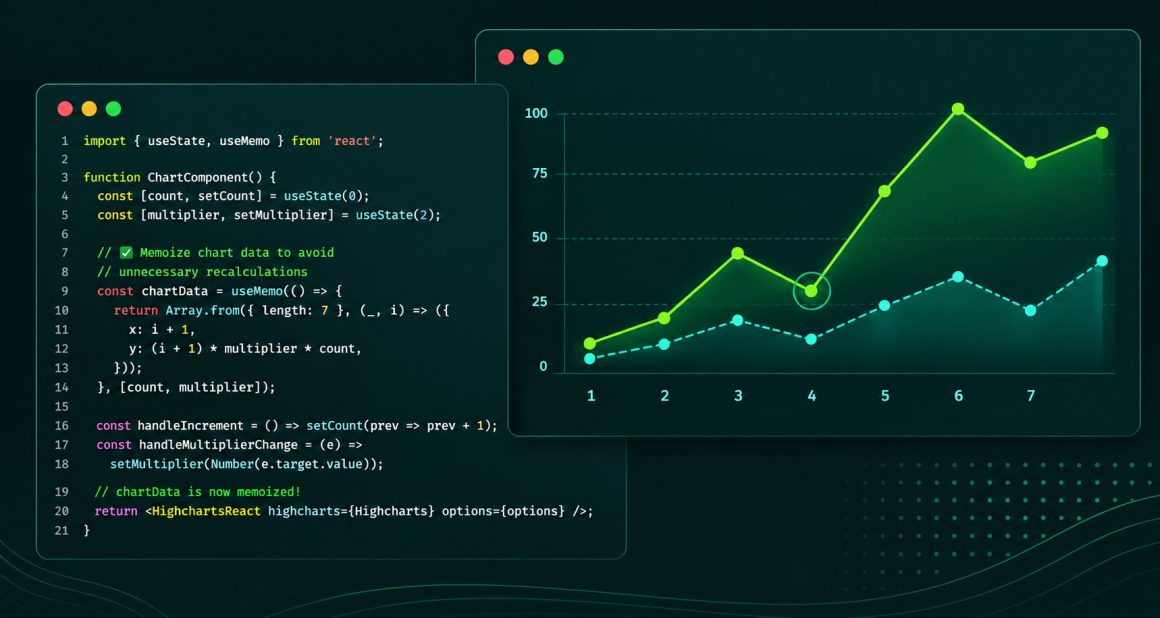
A line chart that renders 50,000 data points efficiently using useMemo to ensure the dataset is only generated once, not on every render.
Prerequisites
- Node.js installed (node -v to check)
- Basic knowledge of React
- Read Post 1 Dynamic Charts in React using useState with @highcharts/react
- Read Post 2 Fetching Real Data for Highcharts in React using useEffect
Setting up the project
Create a new React project using Vite:
npm create vite@latest . -- --template reactInstall Highcharts:
npm install @highcharts/reactStart the dev server:
npm run devOpen http://localhost:5173 in your browser.
Generating a large dataset
Open src/App.jsx, delete everything and replace it with:
import { useState, useMemo } from 'react'
import { Chart } from '@highcharts/react'
import { LineSeries } from '@highcharts/react/series/Line'
function App() {
  const [points] = useState(50000)
  const data = useMemo(() => {
    let value = 0
    return Array.from({ length: points }, () => {
      value += Math.round((Math.random() - 0.5) * 10)
      return value
    })
  }, [points])
  return (
    <Chart>
      <LineSeries data={data} />
    </Chart>
  )
}
export default AppSave the file. You should see a line chart rendering 50,000 data points smoothly in the browser.
What just happened
Two things worth understanding:
1. useMemo computes the data once
const data = useMemo(() => {
  let value = 0
  return Array.from({ length: points }, () => {
    value += Math.round((Math.random() - 0.5) * 10)
    return value
  })
}, [points])useMemo takes two arguments, a function that returns a value, and a dependency array. It runs the function once and caches the result. It only recalculates when something in the dependency array changes, in this case, when points changes.Without useMemo, the 50,000 point dataset would be regenerated on every render. That means every state change, every prop update, every re-render, recalculating 50,000 values each time. With useMemo, it happens once.
2. The chart receives a stable reference
<LineSeries data={data} />Because useMemo returns the same array reference between renders, @highcharts/react knows the data has not changed and skips unnecessary updates. This is what keeps the chart fast.
When to use useMemo
useMemo is not always needed. For small datasets, a few dozen points, the calculation is fast enough that caching makes no difference. Use it when:
- Generating or transforming large datasets (thousands of points)
- Running expensive calculations that feed into a chart
- Passing data through multiple components and you want a stable reference
The rule of thumb: if generating the data takes noticeable time, wrap it in useMemo.
Why this matters
Charts that work beautifully with 100 data points often struggle with 10,000. useMemo is not a chart optimization, it is a React optimisation that prevents your app from doing unnecessary work before the chart even gets involved.








Leave a Reply