
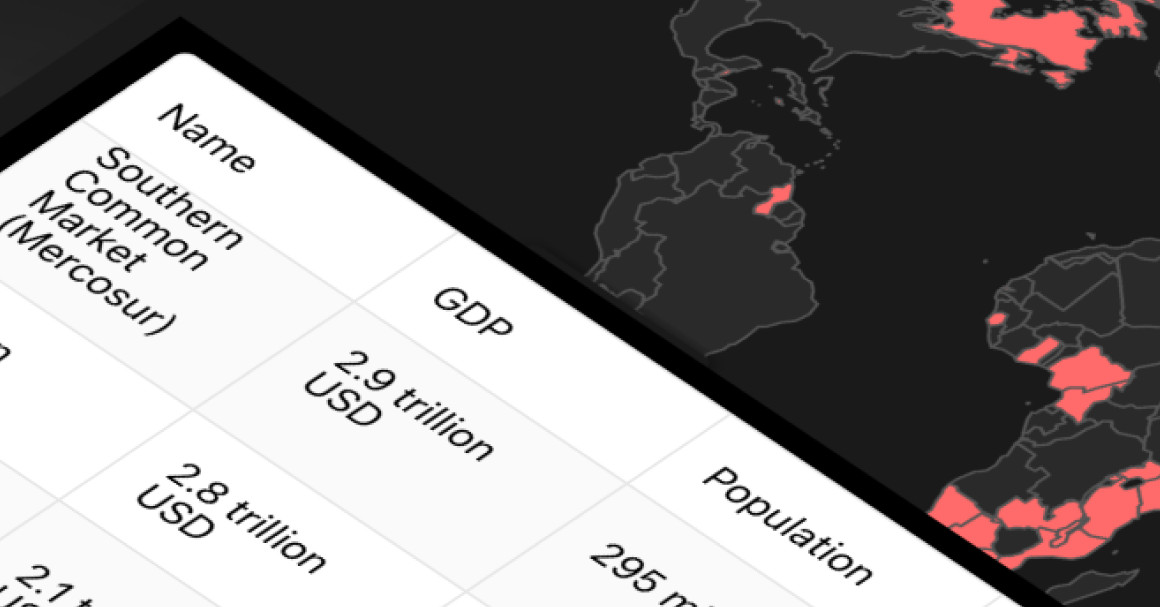
In the first version of this demo building an economic blocs map with Highcharts React, I focused on the map experience: select a bloc, highlight member countries, and show quick stats. In this short update, I add Highcharts Grid Lite under the map so users can scan all blocs at once and click any row to highlight it on the map.
What’s new in Version 2
- A Highcharts Grid Lite table (under the map).
- Clickable headers for sorting: Name, GDP, Population, Founded, Members.
- Row click still highlights the bloc on the map.
User flow (unchanged, now faster): users can pick a bloc from the dropdown or click a grid row, the map highlights its member countries, and the stats panel updates with GDP, population, and founding year.
Feel free to try it out:
Link to the demo CodeSandbox
Grid architecture
App
├─ BlocDropdown
├─ BlocInfo
├─ MapChart
└─ BlocGrid <– new
BlocGrid in a nutshell: it renders a Highcharts Grid Lite table with sortable columns in the header, and clicking any row highlights the corresponding bloc on the map.
Highcharts grid exposes all blocs at once instead of hiding them behind a dropdown, makes comparisons easy via sorting (e.g., GDP or population), and keeps the map visible thanks to the fixed-height container.
Now, that you understand why I used Highcharts Grid, let me show you the high-level implementation.
Implementation steps
- Install Grid Lite:
@highcharts/grid-lite - Create a new component:
src/components/BlocGrid.jsx - Add column definitions (Name, GDP, Population, Founded, Members)
- Maintain
sortKey+sortDirstate - Compute sorted rows with
useMemo - Feed columns into Highcharts Grid Lite
- Wire row clicks to highlight the bloc on the map
And here is the code behind all that:
const [sortKey, setSortKey] = useState('name');
const [sortDir, setSortDir] = useState('asc');

const rows = useMemo(() => {
  const data = Object.entries(blocs).map(([key, bloc]) => ({
    key,
    name: bloc.name,
    members: bloc.countries.length,
    founded: bloc.founded,
    gdp: bloc.gdp,
    population: bloc.population
  }));

  const dir = sortDir === 'asc' ? 1 : -1;
  data.sort((a, b) => {
    const aValue = a[sortKey];
    const bValue = b[sortKey];
    if (typeof aValue === 'number' && typeof bValue === 'number') {
      return (aValue - bValue) * dir;
    }
    return String(aValue).localeCompare(String(bValue)) * dir;
  });

  return data;
}, [blocs, sortKey, sortDir]);
Wrapping up
This grid update makes the app feel more like a data explorer: users can scan, sort, and compare blocs without losing the map context.









Leave a Reply